Kitchen Pro
-
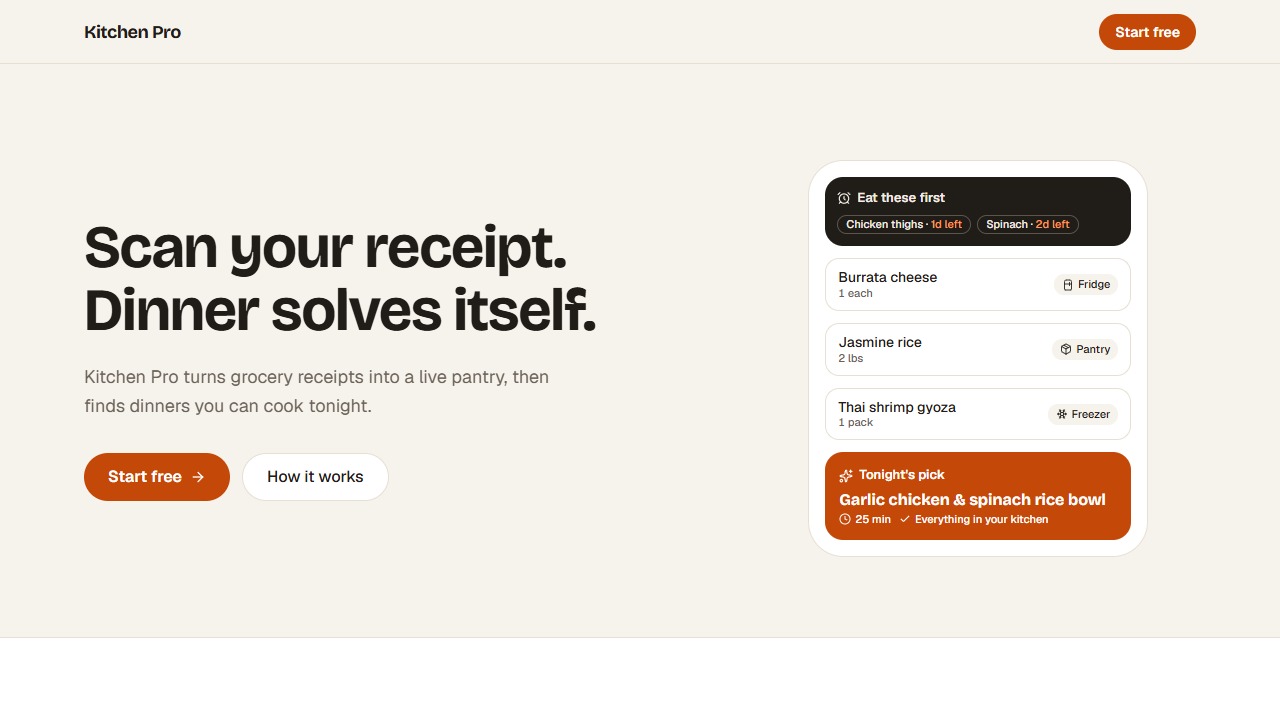
Hero entranceThe headline, text and buttons rise into place as the page loads. -
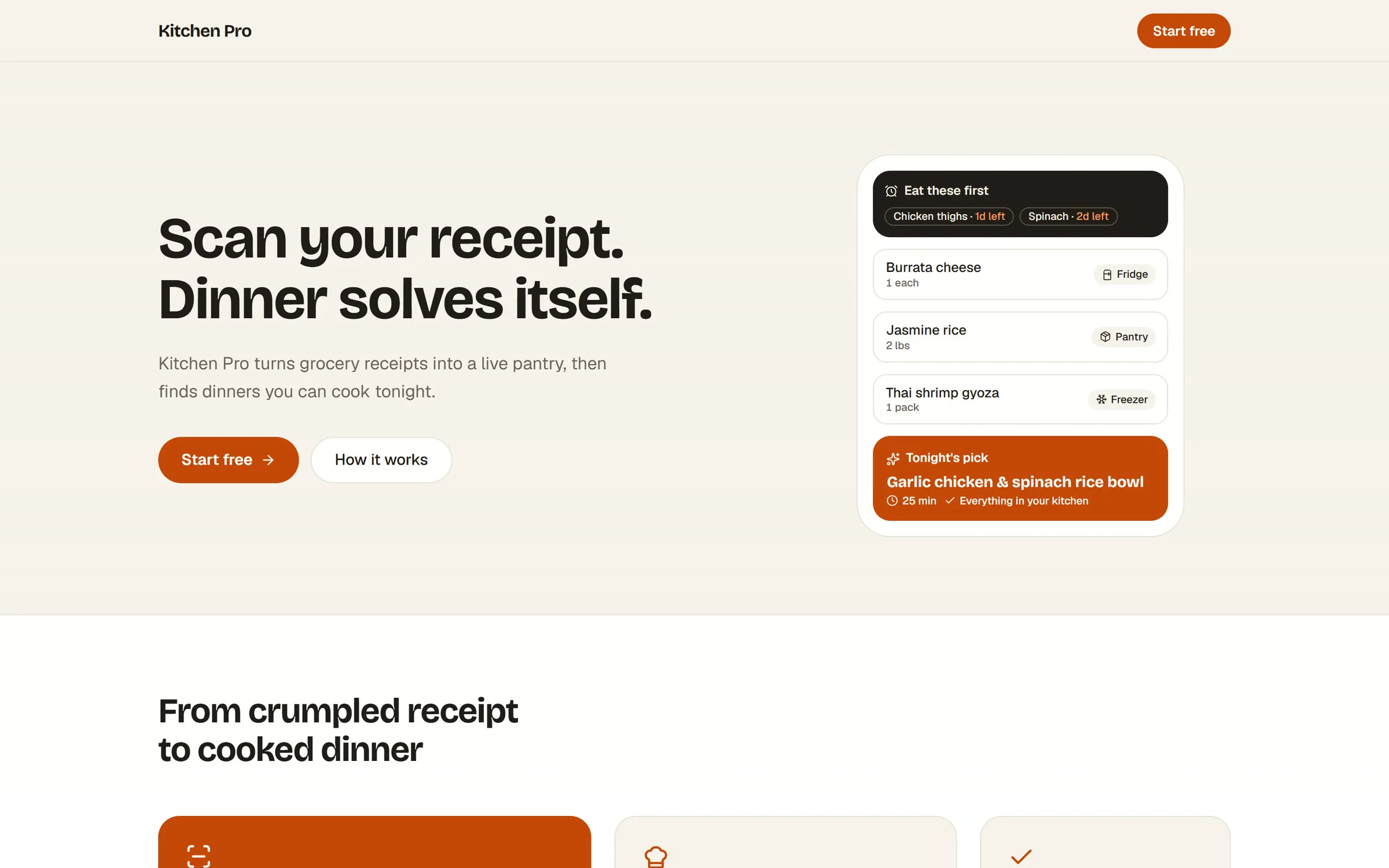
The heroScan your receipt. Dinner solves itself. beside a card showing a pantry list and tonight's pick. -
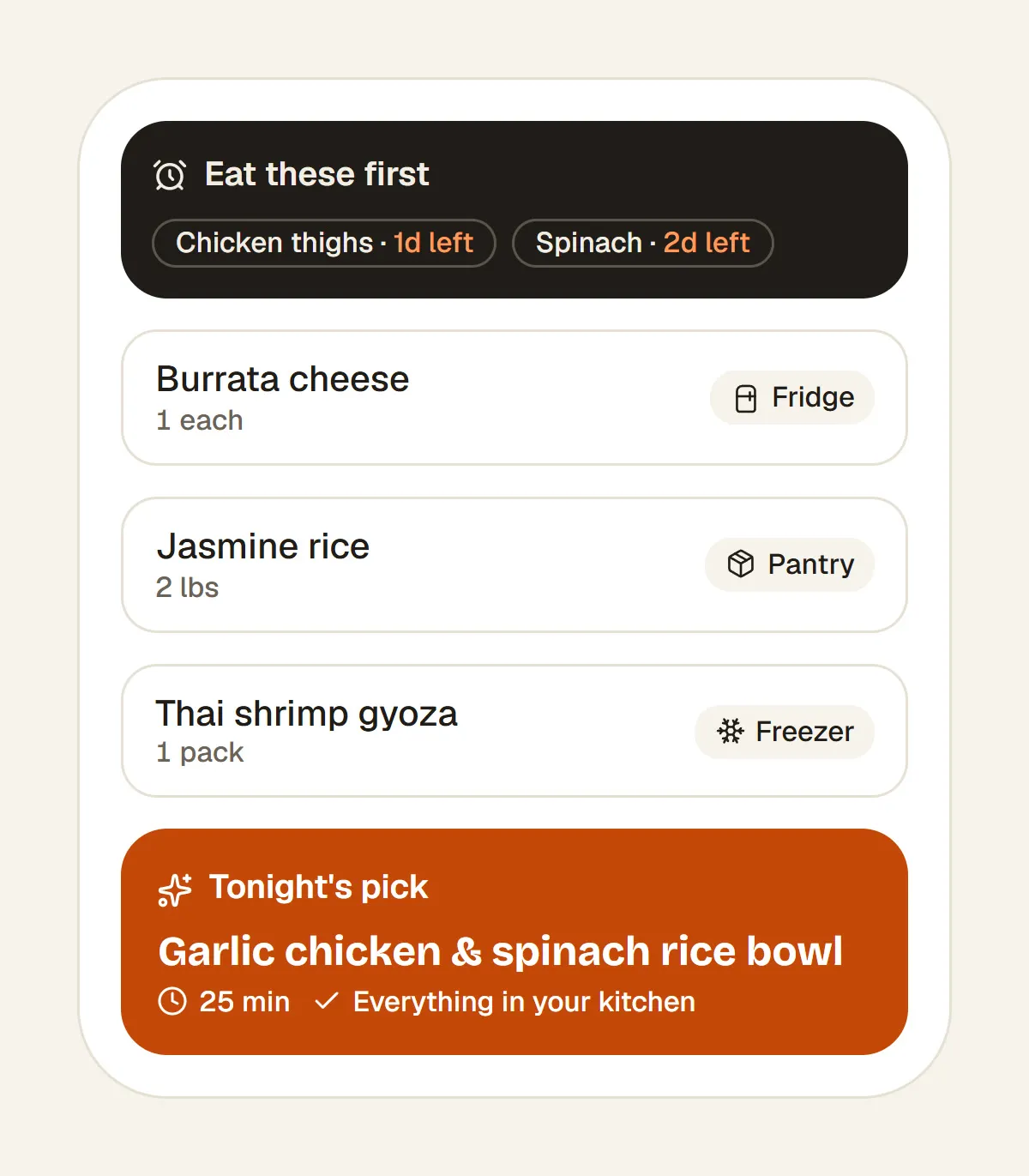
Pantry to dinnerA pantry card: Eat these first, items marked Fridge, Pantry and Freezer, and Tonight's pick, Garlic chicken and spinach rice bowl, 25 min. -
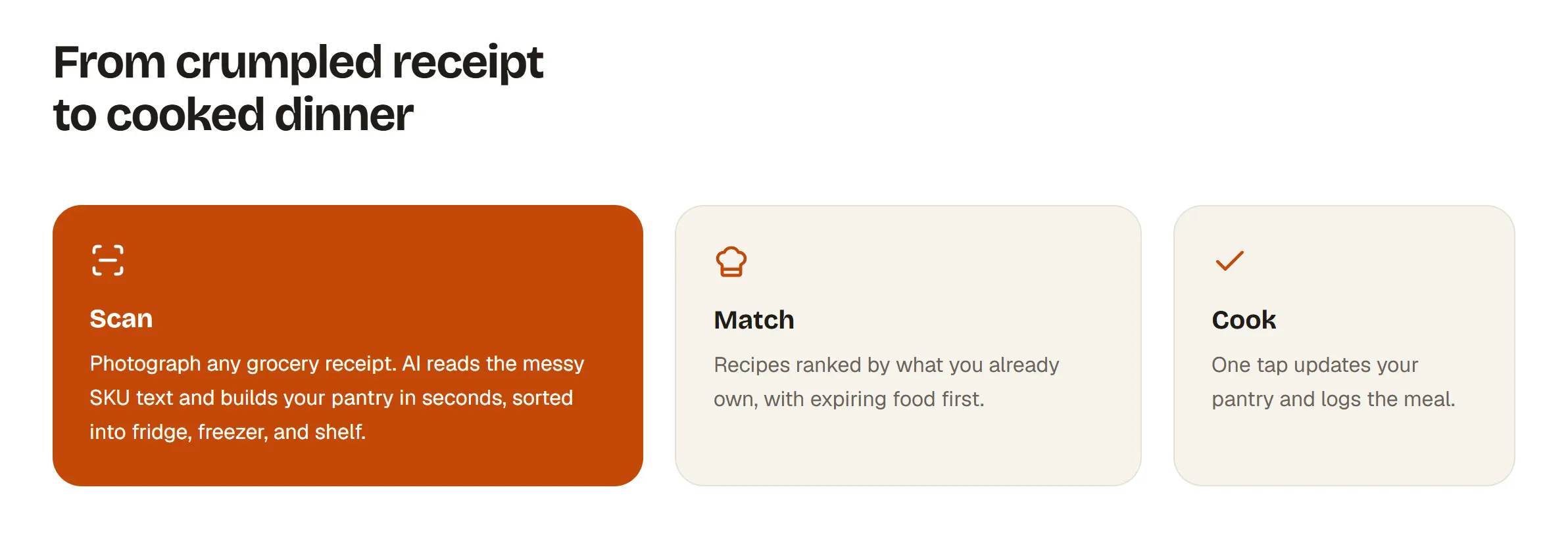
Scan, match, cookFrom crumpled receipt to cooked dinner: three cards, Scan, Match and Cook. -
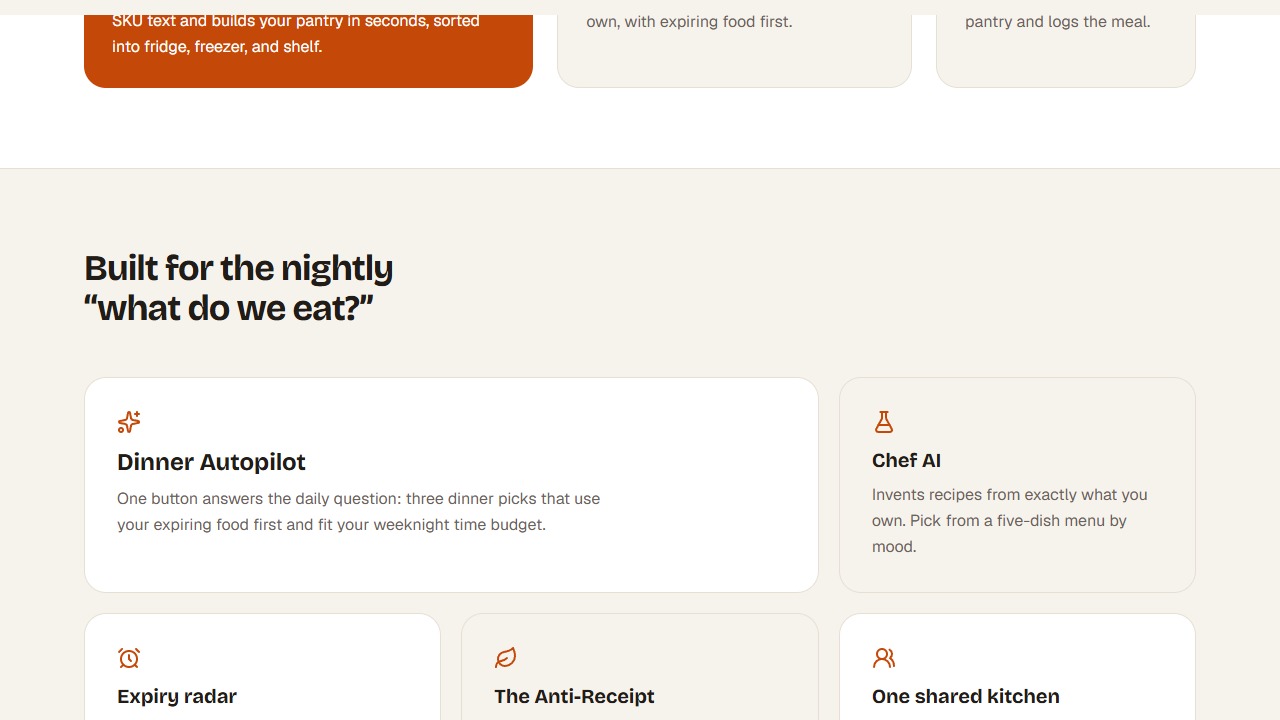
The landing pageScrolling the landing page from the hero through the three steps to the feature cards. -
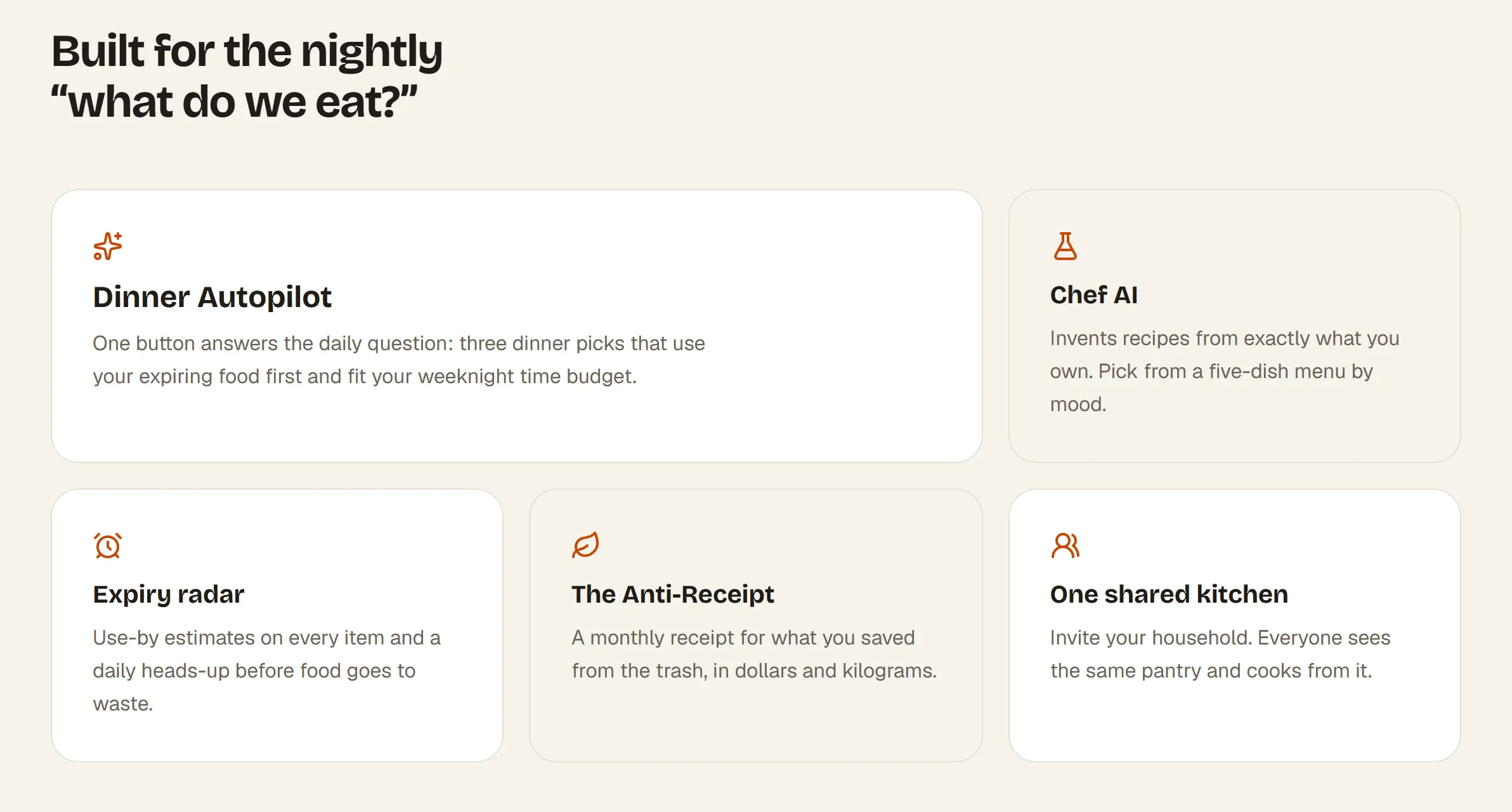
Built for dinnerFive feature cards: Dinner Autopilot, Chef AI, Expiry radar, The Anti-Receipt and One shared kitchen. -
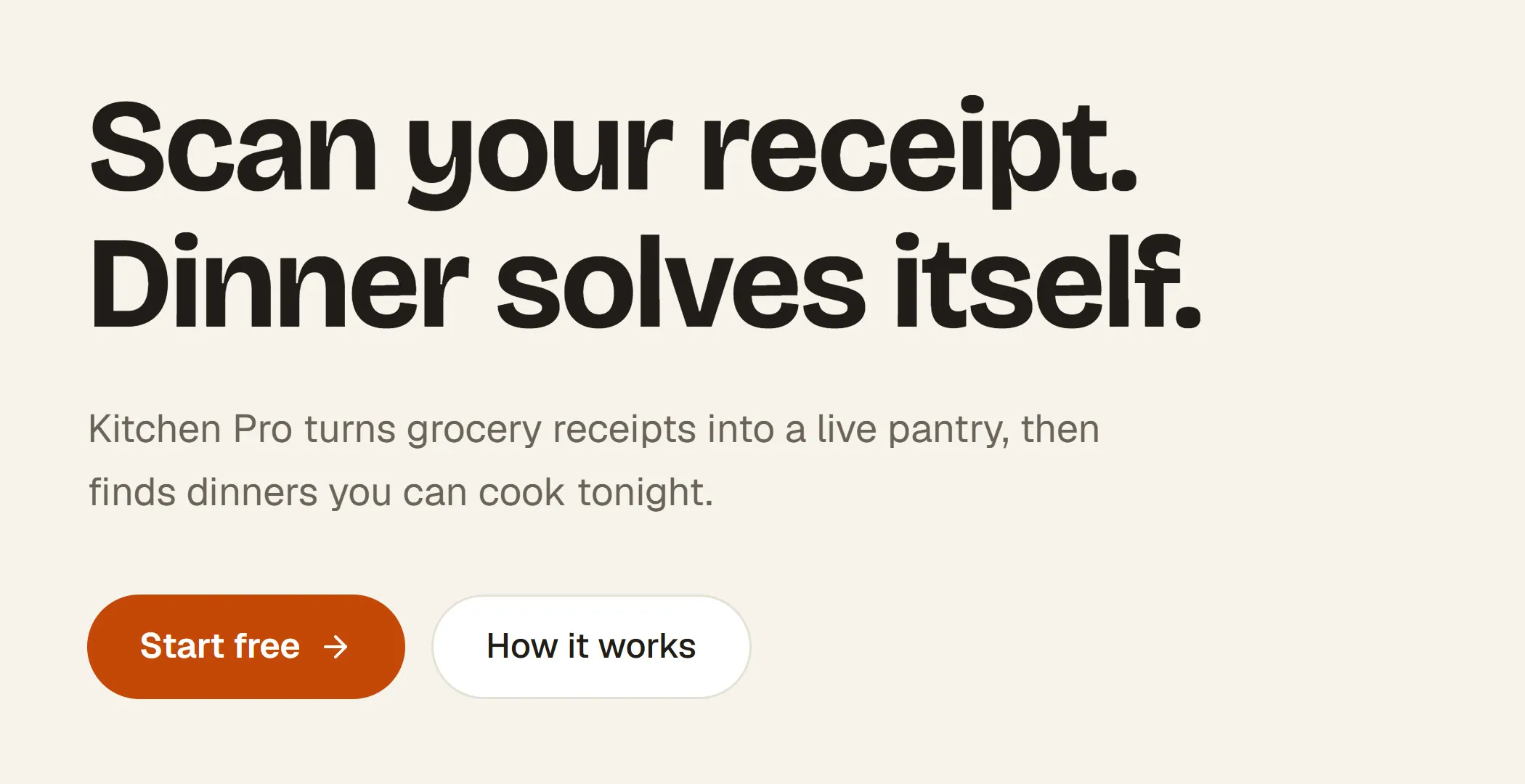
The headlineScan your receipt. Dinner solves itself. in heavy sans-serif type, with Start free and How it works buttons. -

Closing callA dark closing band: Your groceries already know what's for dinner, with a Start free button. -
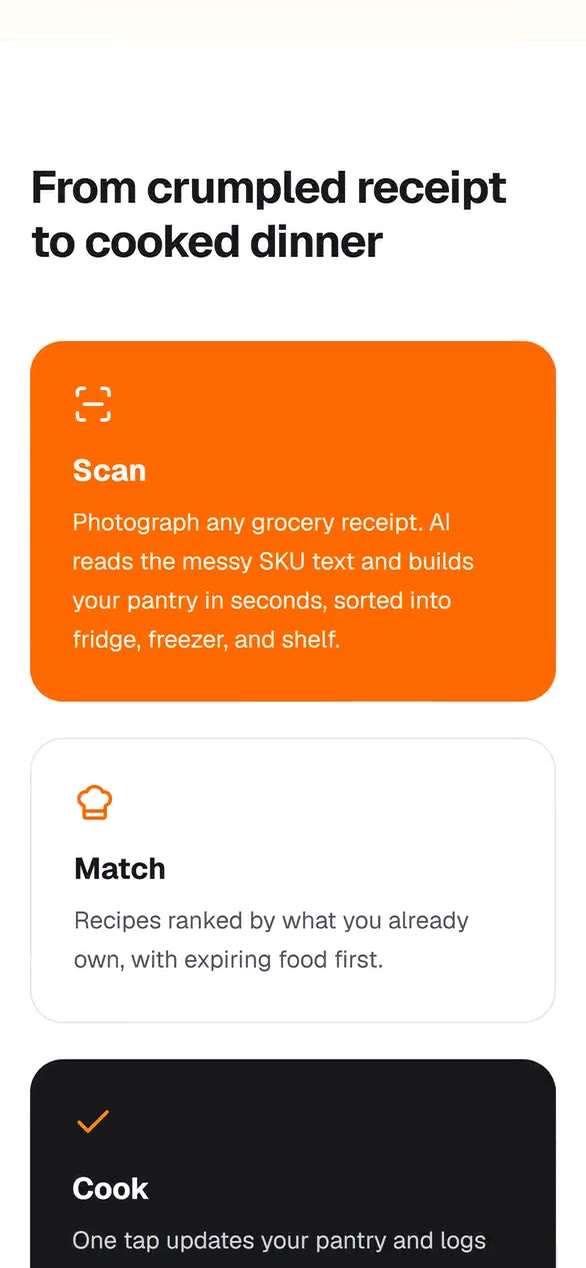
On a phoneThe landing page scrolling on a phone. -
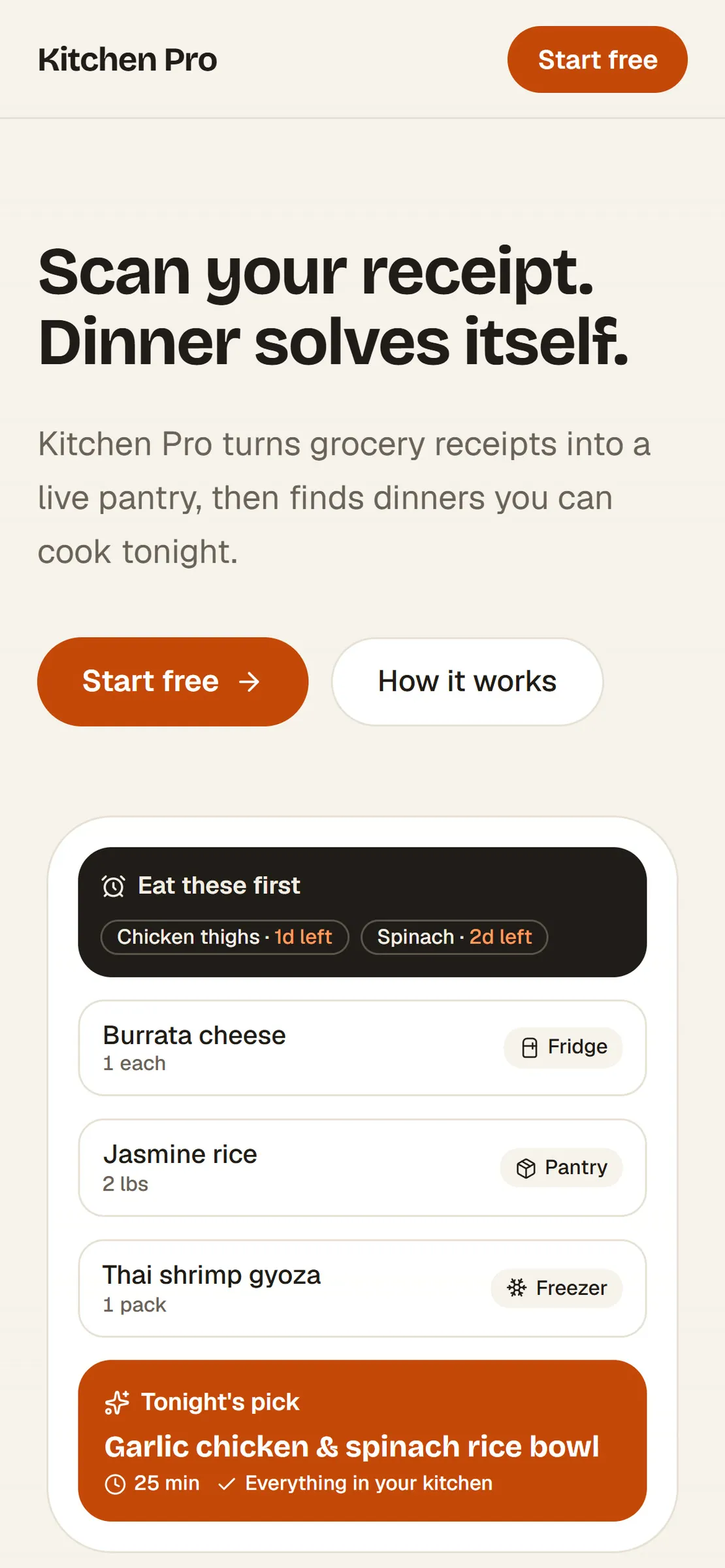
Phone viewThe landing page on a phone: the headline, buttons and the pantry card.